Topics & Lessons
Quick Start
Video Tutorials
Layout & Design
Content & Media
Publishing & Sharing
Security & Privacy
Website Analytics
Account & Billing
Add Documents
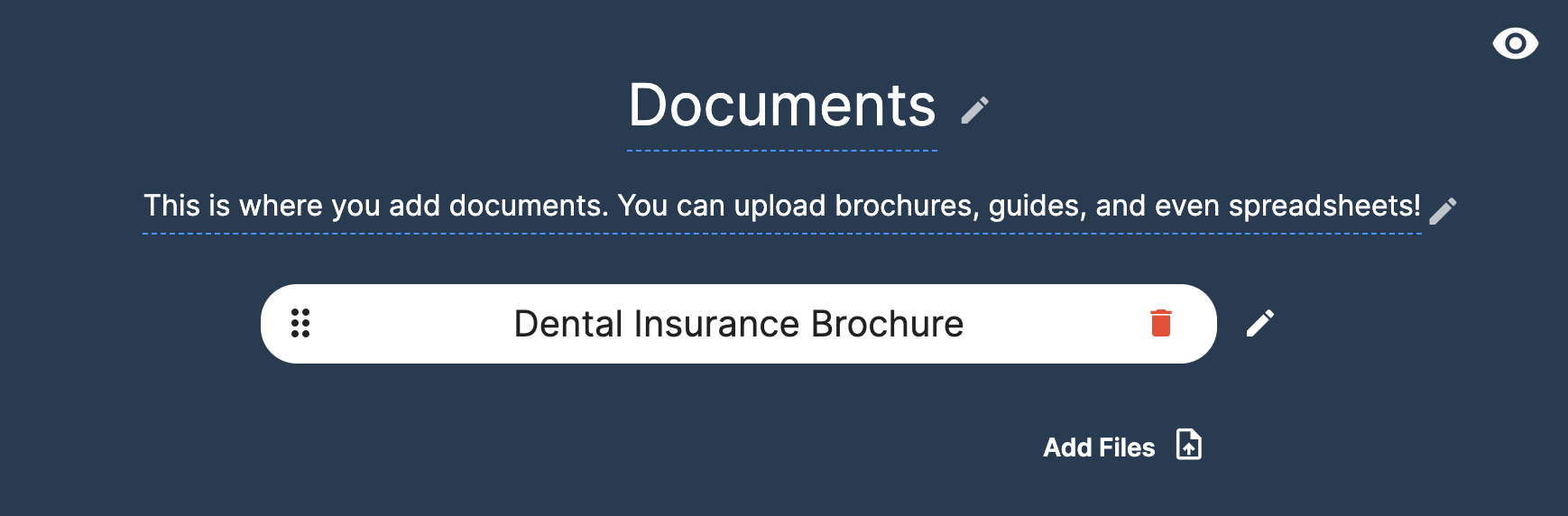
To add documents to your SwellSpace website, navigate to the individual website editor and scroll down to the Documents section. Next, click "Add files".
Click "Browse your computer" to select documents from your computer, or click and drag documents into the upload box.

Once the document has been uploaded, click the check mark to save the document to your website.
Didn't find what you're looking for?
Give Us Feedback
Have an idea for a great new SwellSpace feature? Want to tell us about your experience using SwellSpace? Click the button below to send us your thoughts.
Contact SwellSpace Support
Need help? Please describe your question, issue, or concern and a SwellSpace support representative will provide assistance.